Disclaimer: This page is still being built. Check back later for new resources.
This page provides access to the full suite of official 4-H brand assets used to create clear, consistent, and engaging materials. These resources include core brand elements, supporting visuals, and templates that help reinforce the 4-H identity across digital and print applications. Many assets draw inspiration from the four 4-H pillars of Civic Engagement, Agriculture, Healthy Living, and STEM, adding energy and personality while maintaining a cohesive visual style throughout all programs and platforms.
Coming Soon: Zoom backgrounds, presentation slide templates, and more.
Logos and Marks
Official versions of the 4-H Emblem and the secondary '4-H' type treatment are available for download, organized into folders for digital and print use.
Each folder includes SVG, PNG, and JPEG formats, with EPS files also included in print folders for high quality production.
- Digital files (RGB) should be used for anything viewed on a screen, including websites, social media, email newsletters, and presentations.
- Print files (CMYK) should be used for all printed materials, including documents, signage, apparel, and other physical materials.
Visit the 4-H Visual Identity page for logo usage guidelines and more information about selecting the correct file type.
4-H Emblem

Secondary Type Treatment

Logo Lockups
4-H uses a system of approved logo lockups to represent programs, groups, and initiatives while maintaining a consistent brand identity. A logo lockup is a standardized arrangement that combines the 4-H Emblem with approved text, “locked” into a consistent format.
These lockups provide a clear and professional way to identify official 4-H entities while ensuring the emblem remains unchanged and compliant with brand standards.
Lockups are used across different levels of the 4-H program:
- Statewide Identity
Used to represent North Carolina 4-H as a whole - Organizations and Groups
Used for entities such as the NC 4-H Council and NC 4-H Volunteer Leaders' Association - Programs and Campaigns
Used for initiatives such as Beyond Ready and other approved efforts
All logo lockups must be used exactly as provided. Do not recreate, rearrange, or modify any lockup elements.


Icons
The 4-H icon collection brings our pillar themes to life through clean, modern line illustrations designed to complement content without overpowering it. Each icon is designed to visually connect all parts of the 4-H brand, and
can be used in layouts, infographics, and social graphics to add clarity and visual interest.
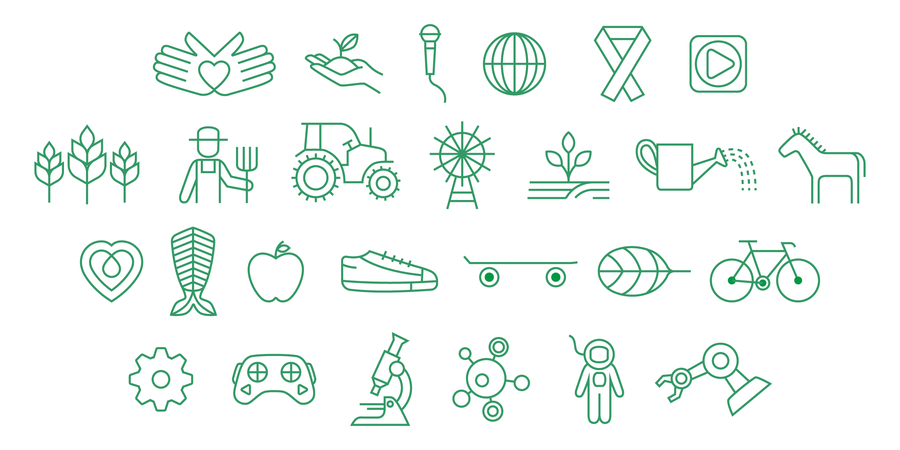
Icons are provided in both digital and print formats. Use only the official icon files to maintain consistency in line weight, spacing, and color across all materials.
Patterns
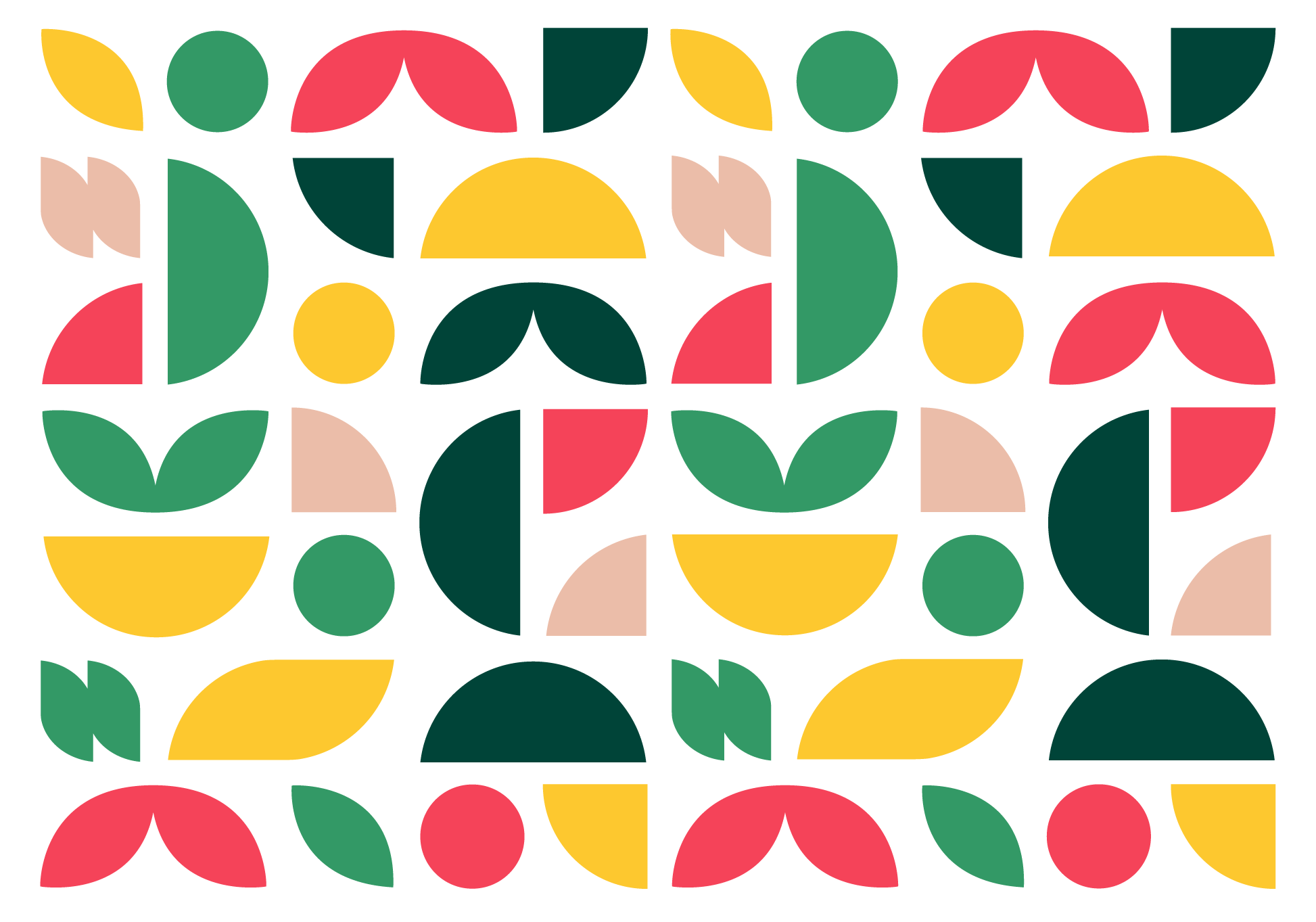
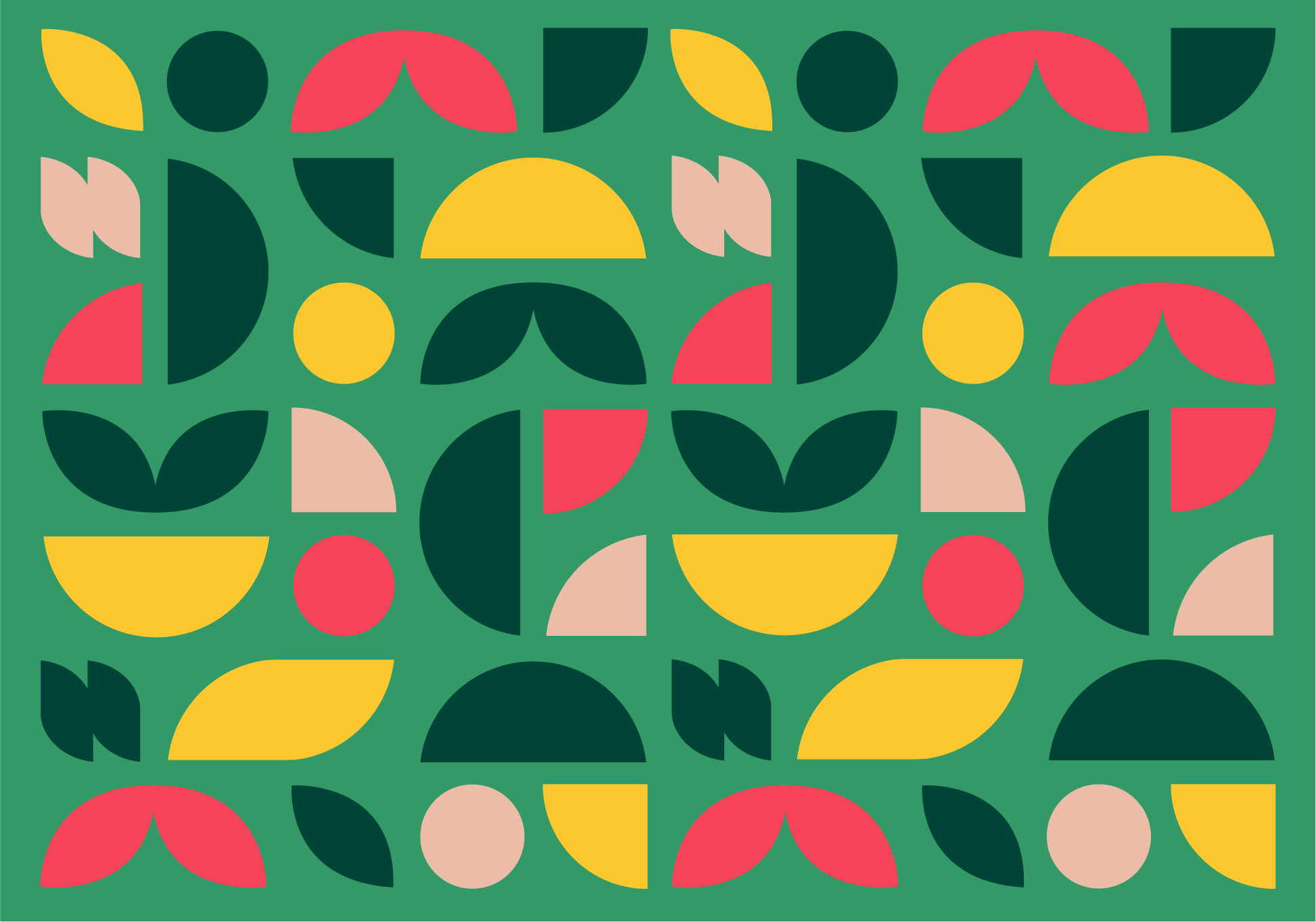
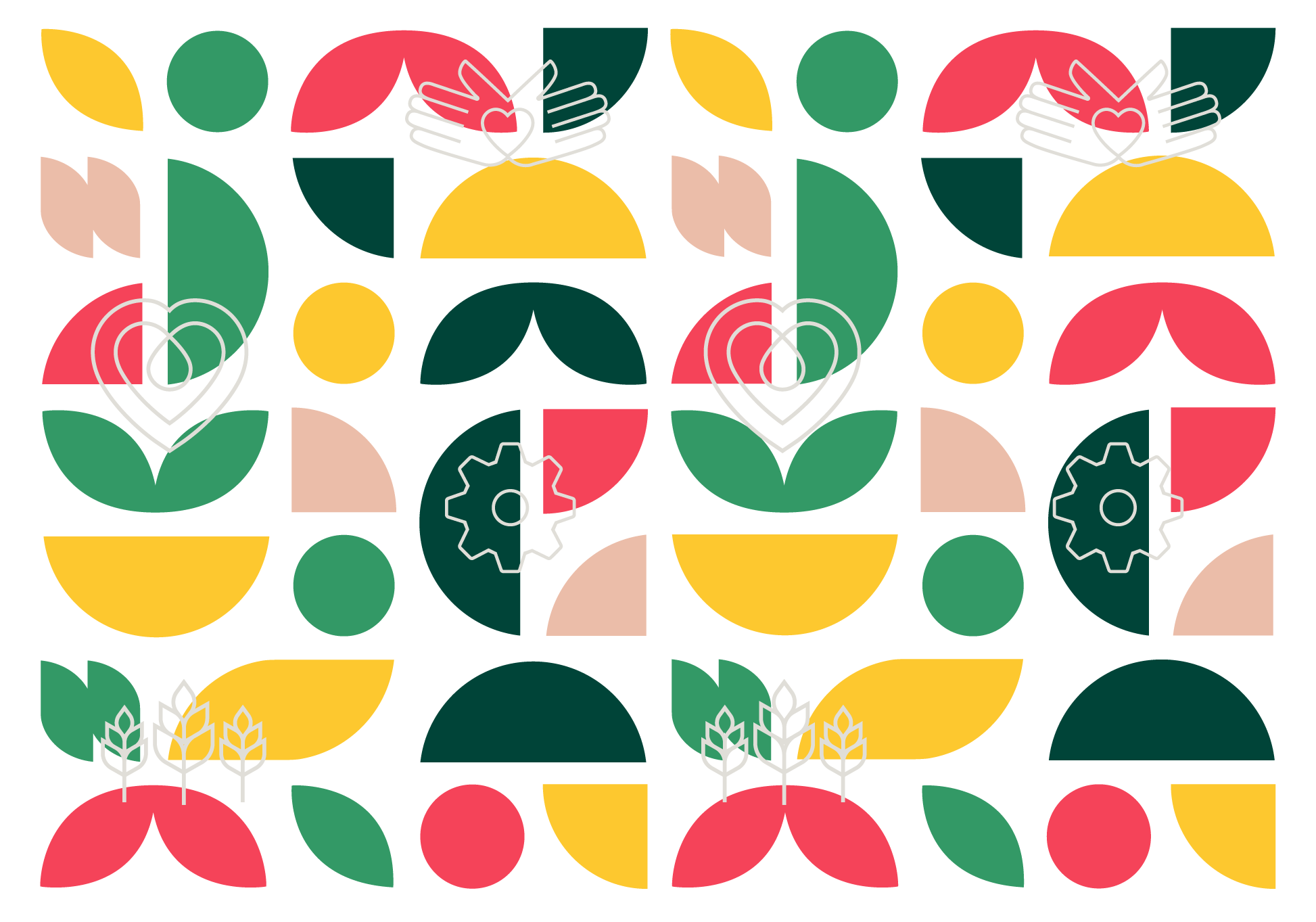
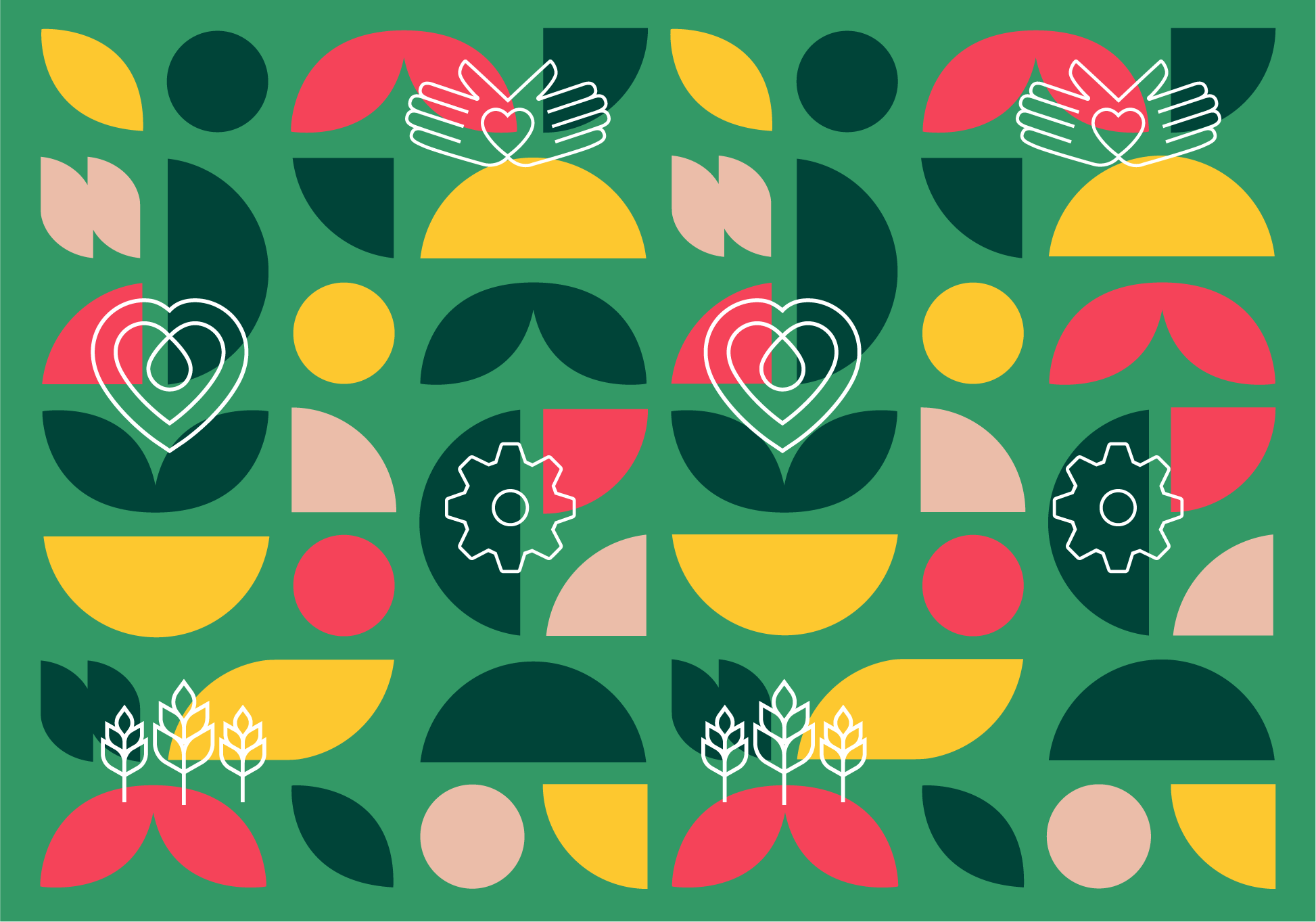
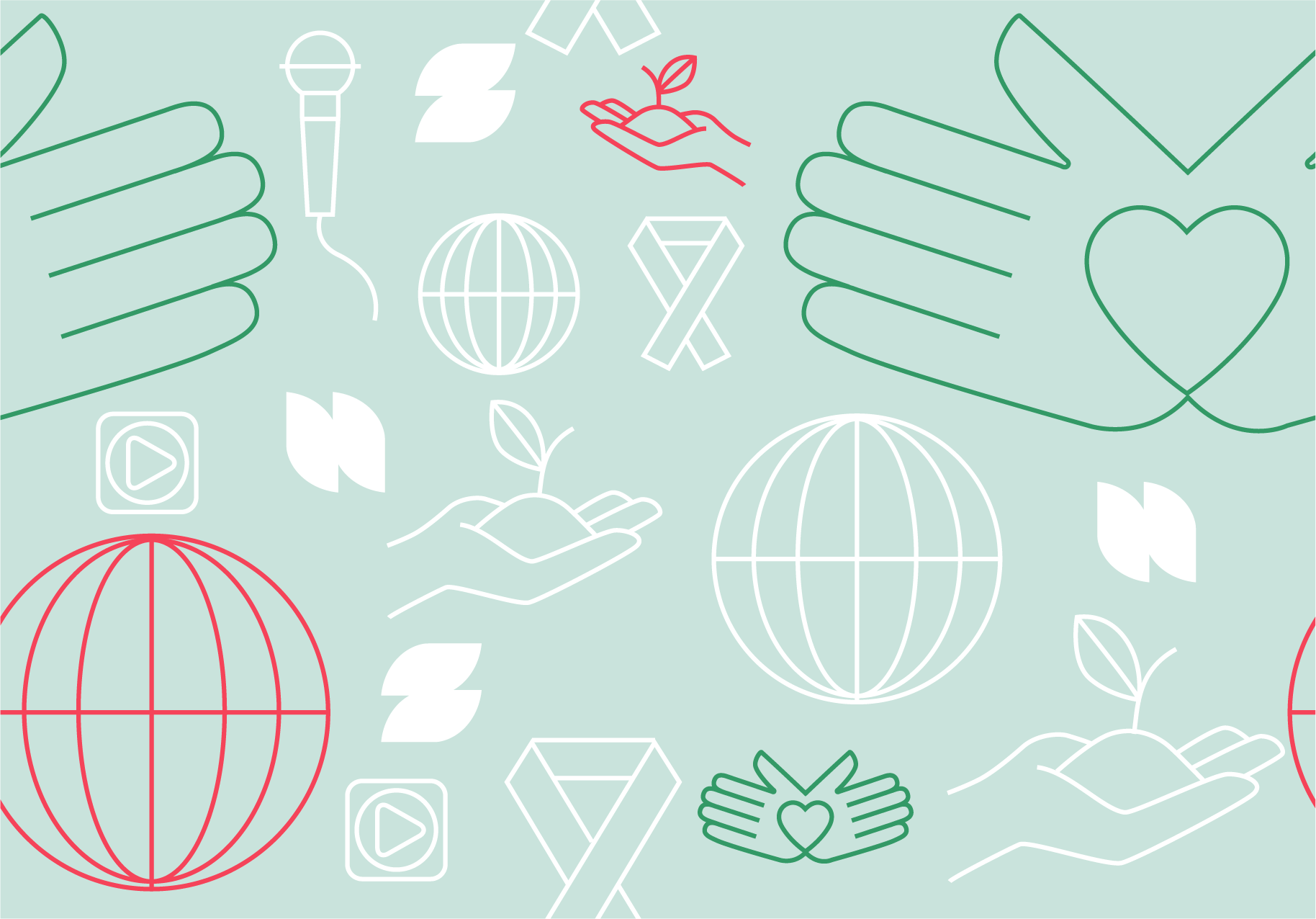
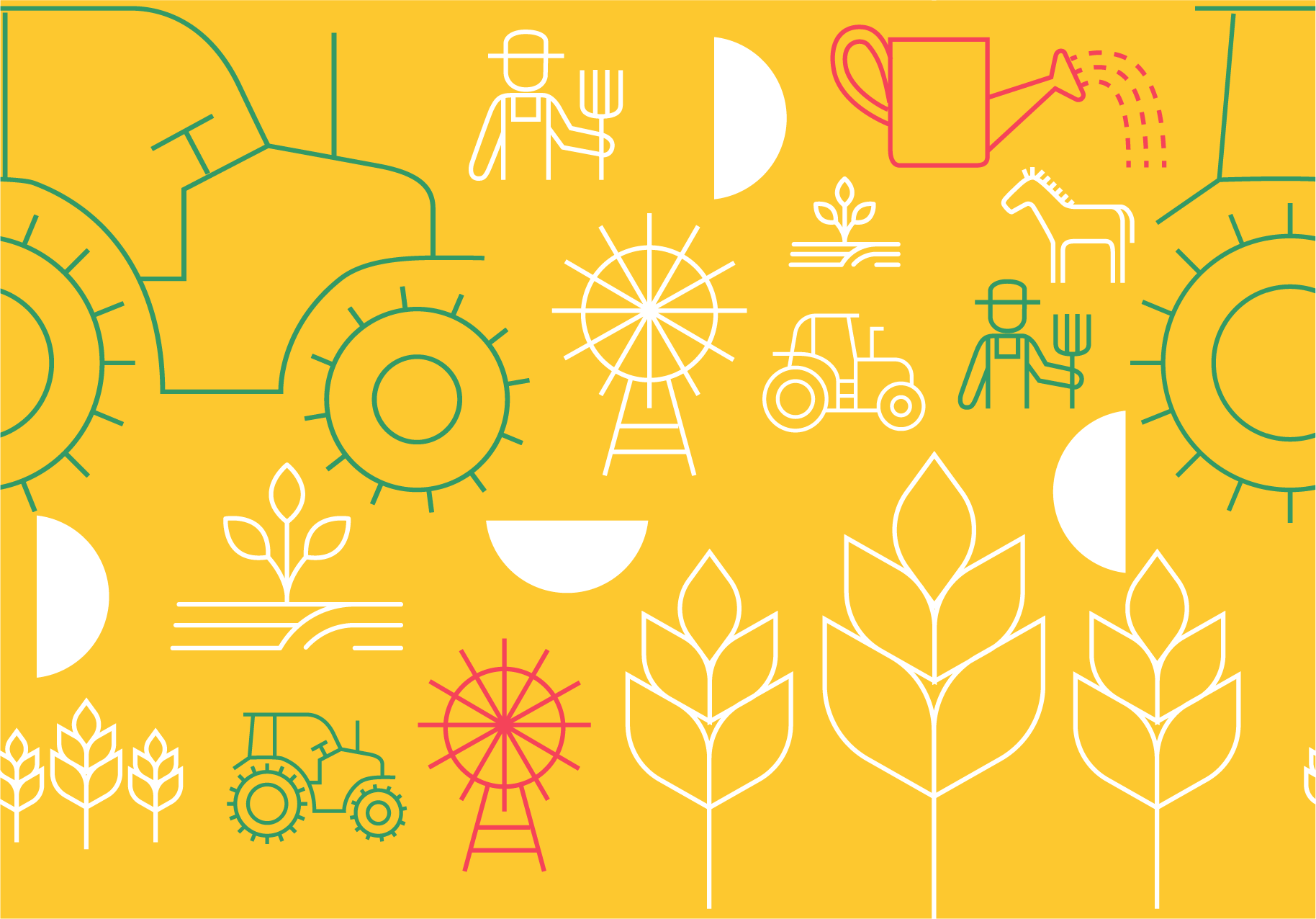
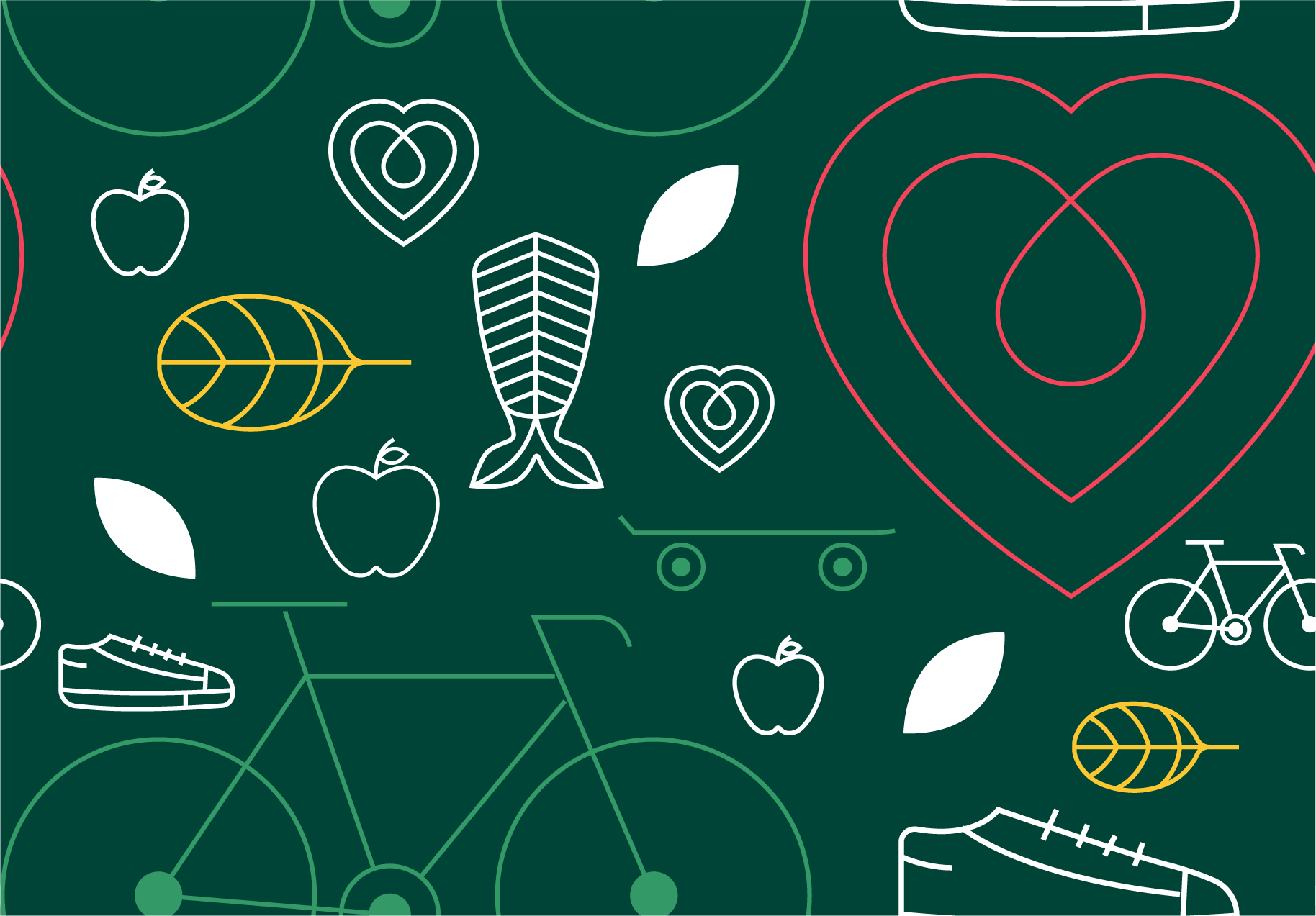
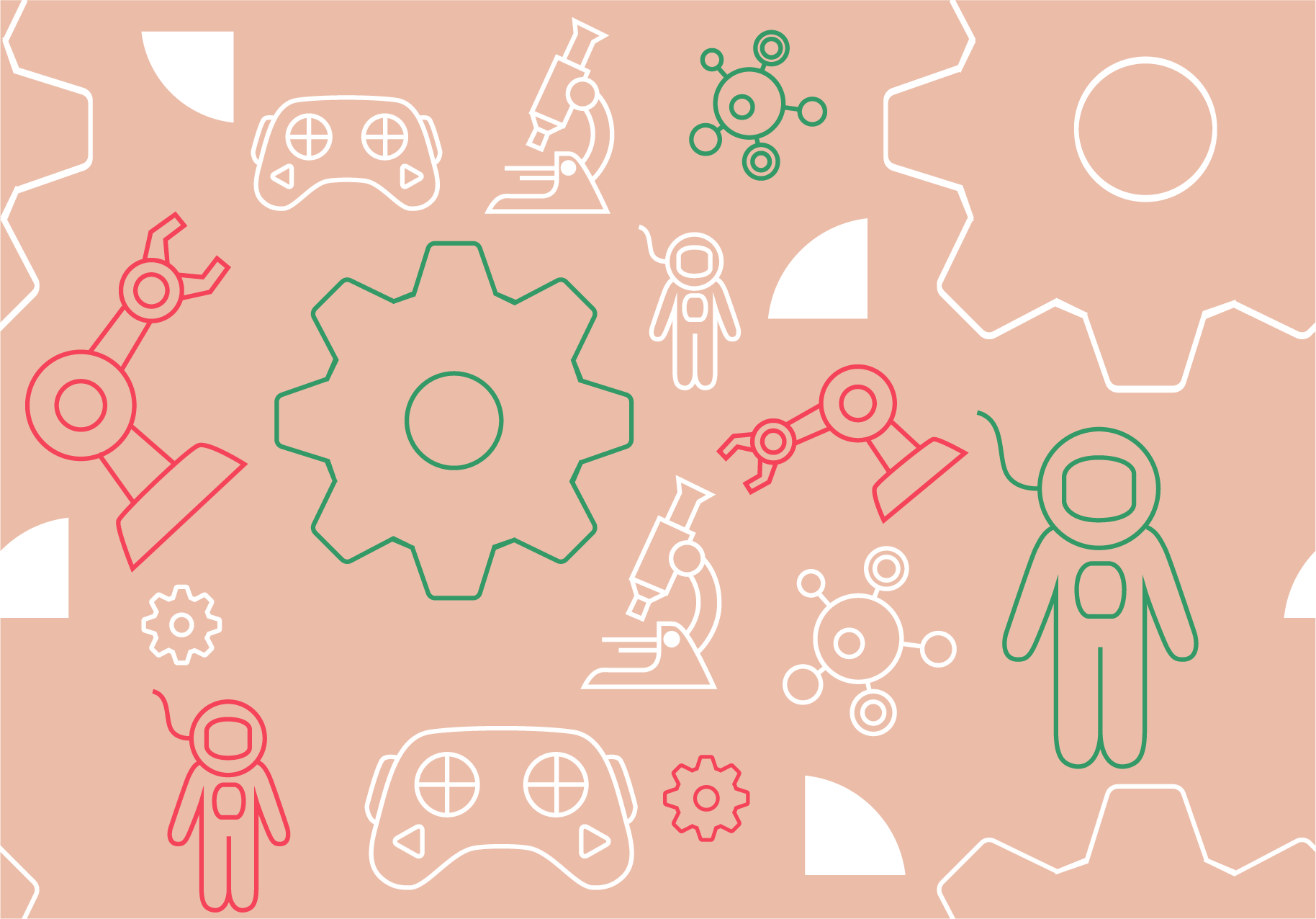
Patterns use the official 4-H colors and geometric shapes to create bold, flexible backgrounds. They can be scaled, cropped, or rotated in 90-degree increments and are effective for section dividers, social templates, and full-bleed backgrounds. These shapes also tie back to the Serve/Grow/Thrive/Make system when paired with pillar icons.
Main Pattern
 |
 |
Main Pattern with Pillar Icons
 |
 |
SERVE, GROW, THRIVE, and MAKE Patterns
Each pillar also has its own pattern featuring icons specific to that program area.
 |
 |
 |
 |
Pattern files are available to download for both digital and print use.
Borders
Border treatments use pattern shapes, pillar icons, and/or text blocks to frame content in a clean, branded way. Borders should be used sparingly to avoid clutter, but they are effective when used for certificates, stationery, cards, etc. Each border is available in a square version as well as vertical and horizontal rectangular formats to accommodate a variety of layouts.
Border #1
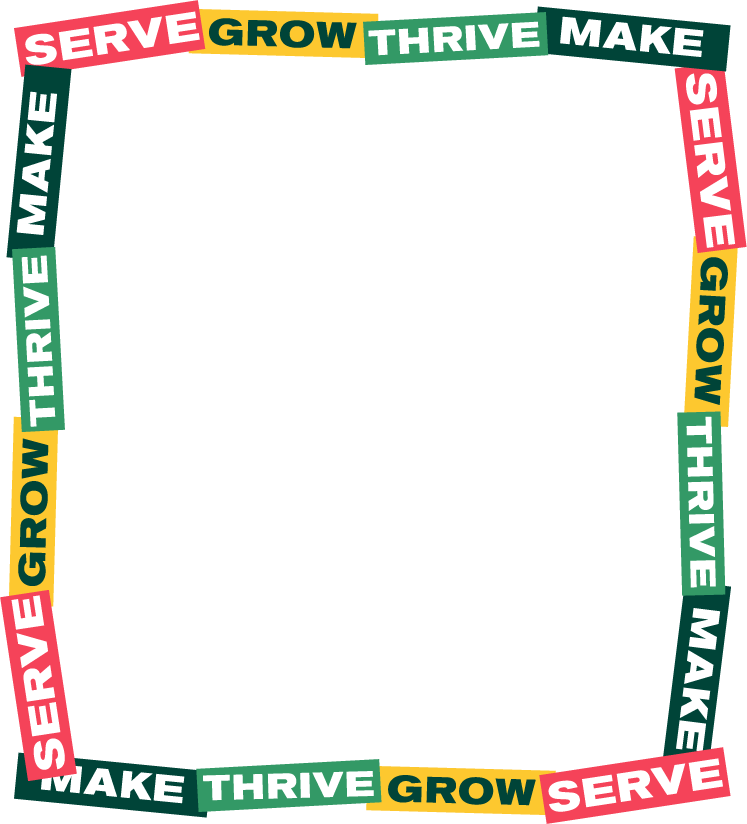 |
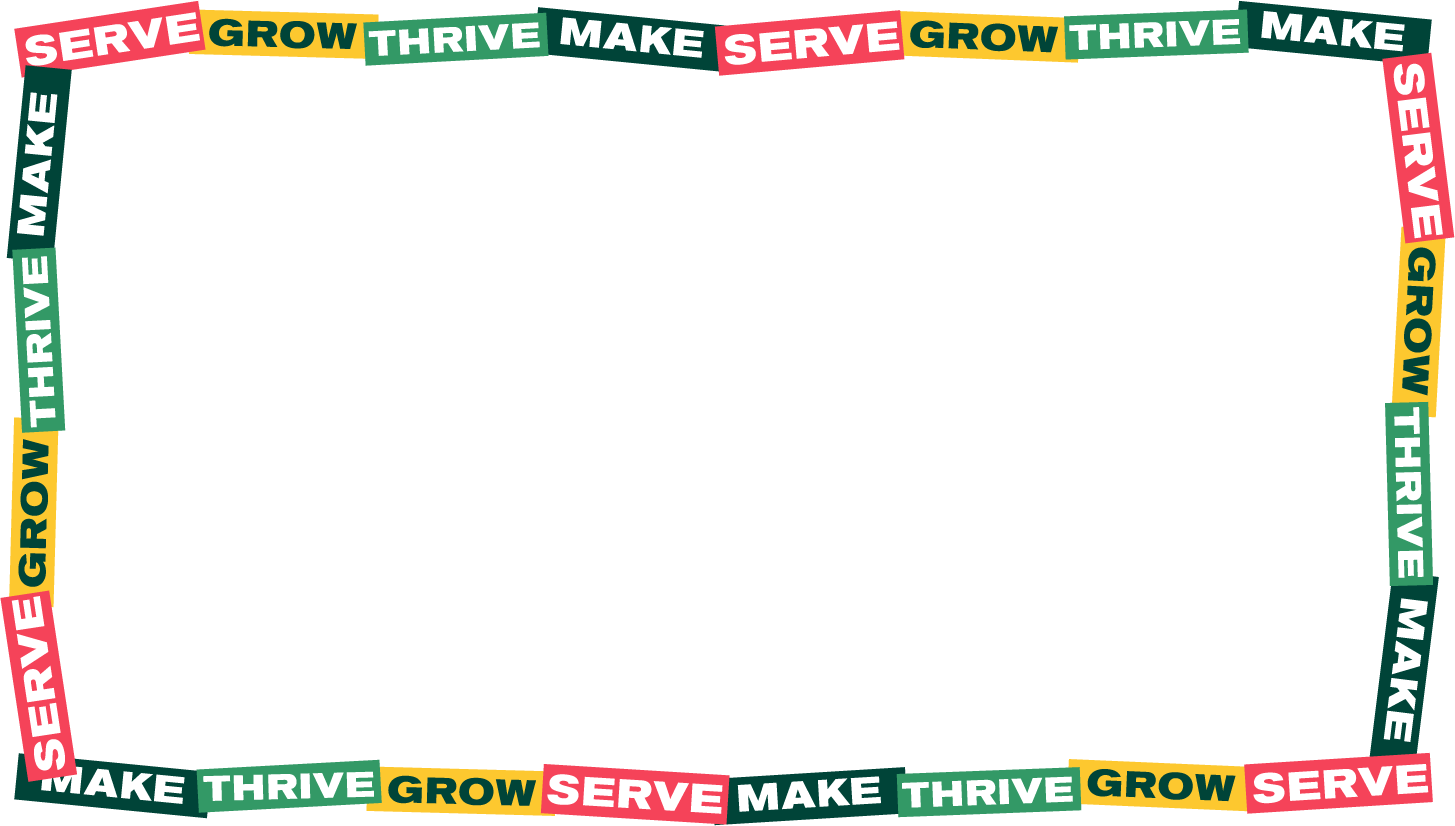 |
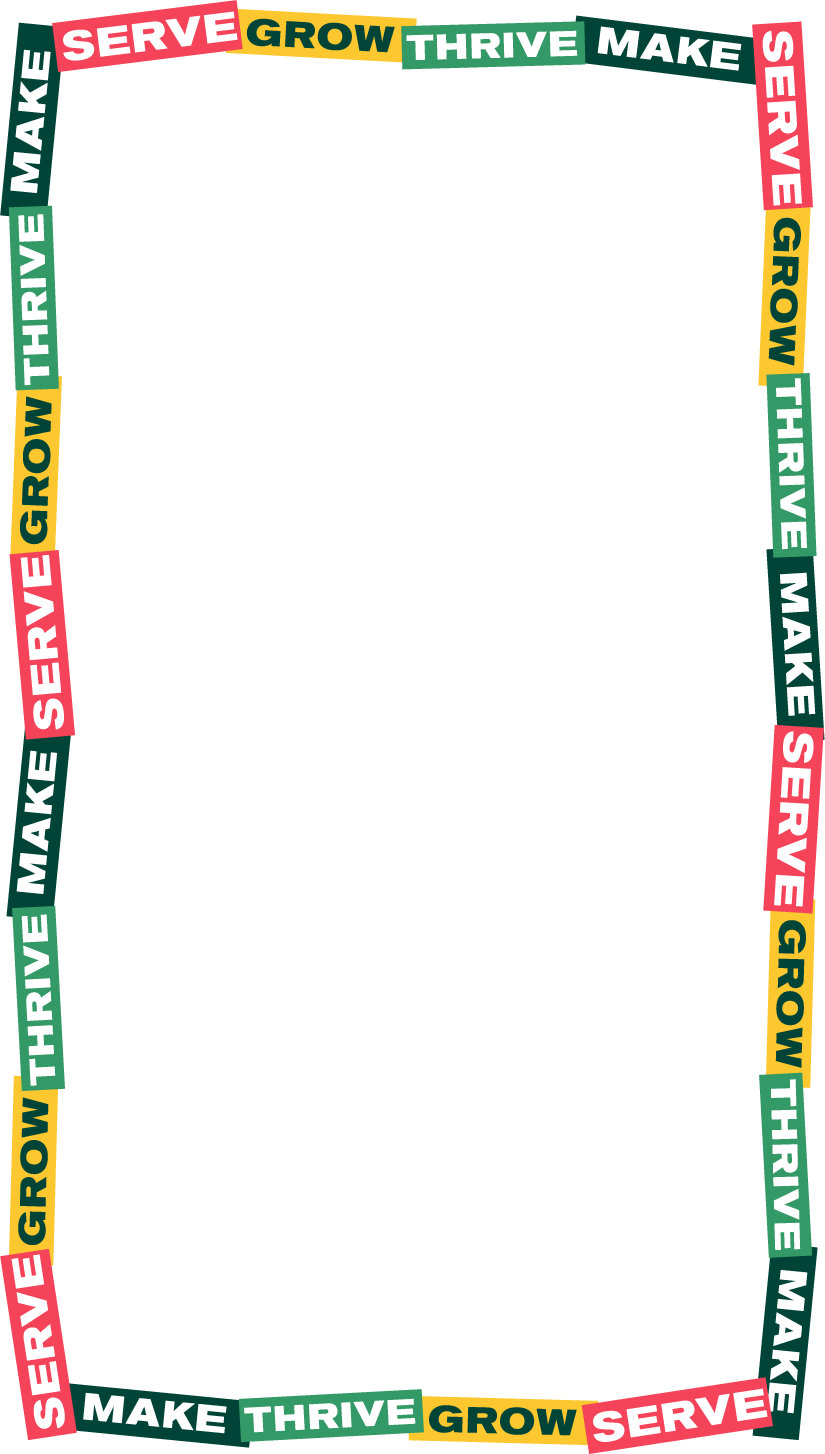 |
Border #4
 |
 |
 |
Downloadable border files are available for both digital and print use.